Mods
Mods just work
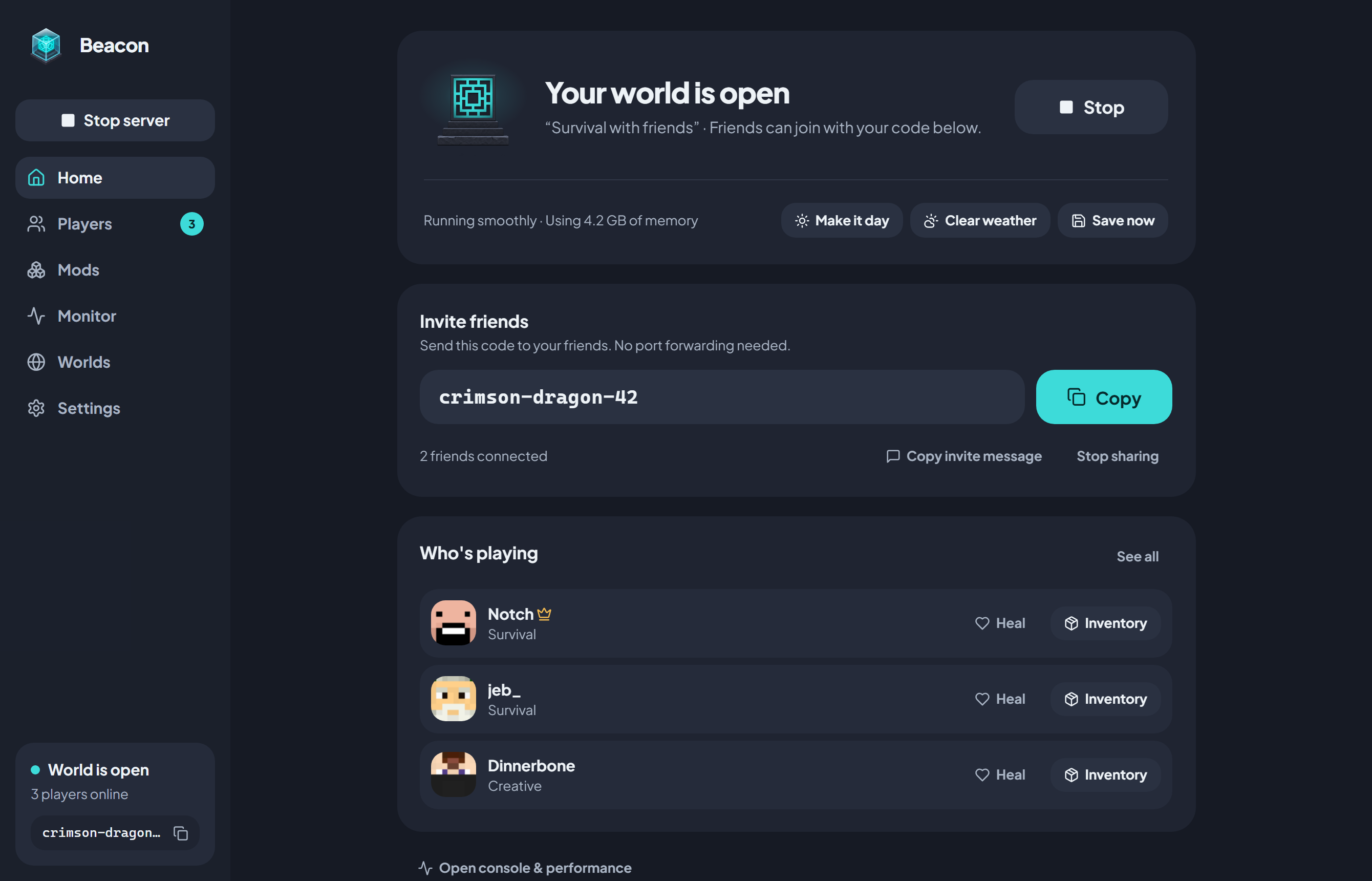
Search Modrinth and add mods, plugins or whole modpacks in a click. When friends join, Beacon gives them the exact same mods automatically.
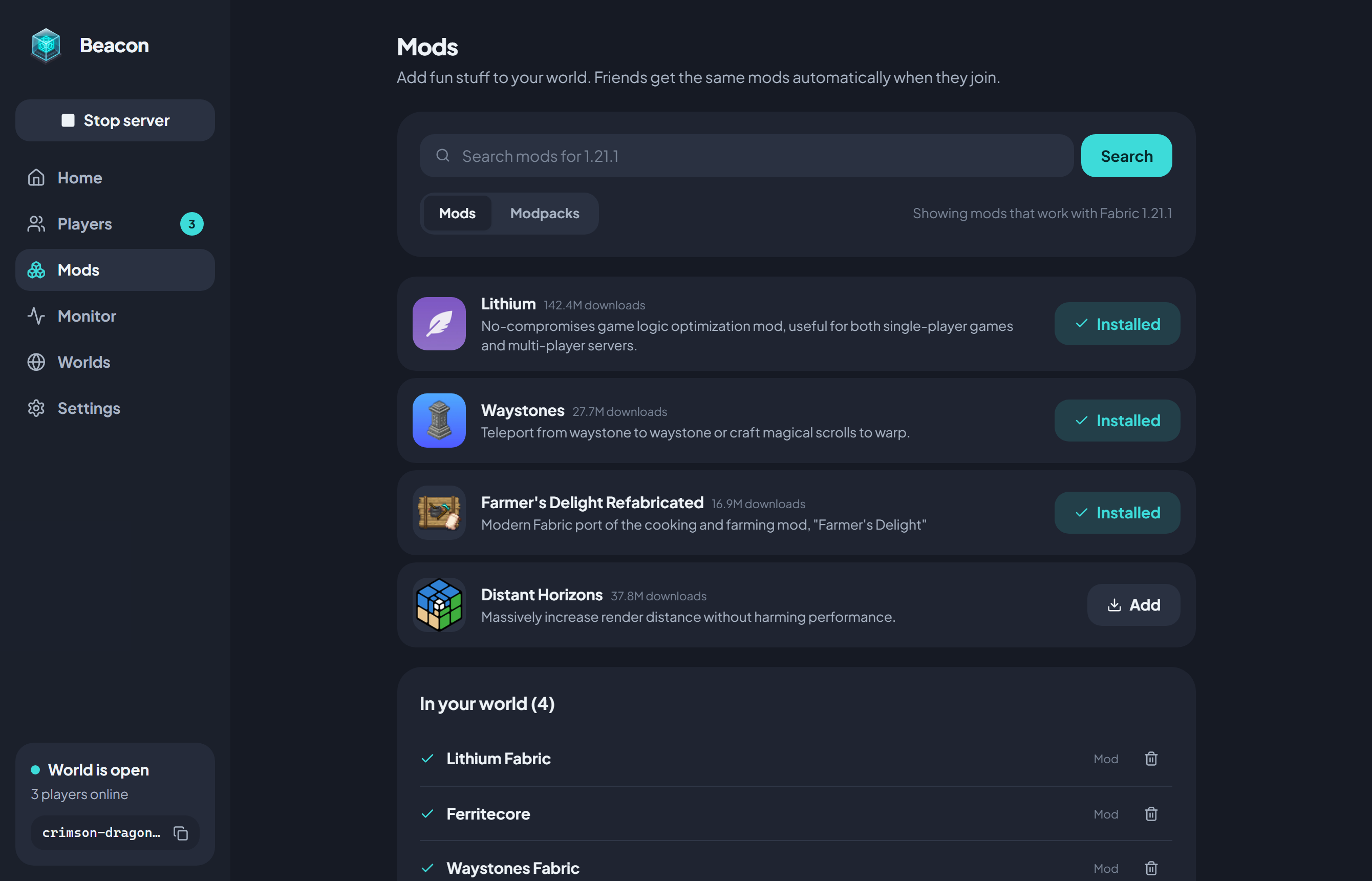
Beacon turns your PC into a Minecraft server in one click. Share a short code and your friends hop in. No port forwarding, no monthly bills.
Windows 10 & 11 · Java is set up for you
No IP addresses, no router settings. Just a code.
Pick a world and hit Start. Beacon sets up Java and everything else for you.
You get a friendly three-word code like crimson-dragon-42. Send it to your friends.
They paste the code into Beacon, and your world appears under LAN Worlds in Minecraft.
Search Modrinth and add mods, plugins or whole modpacks in a click. When friends join, Beacon gives them the exact same mods automatically.
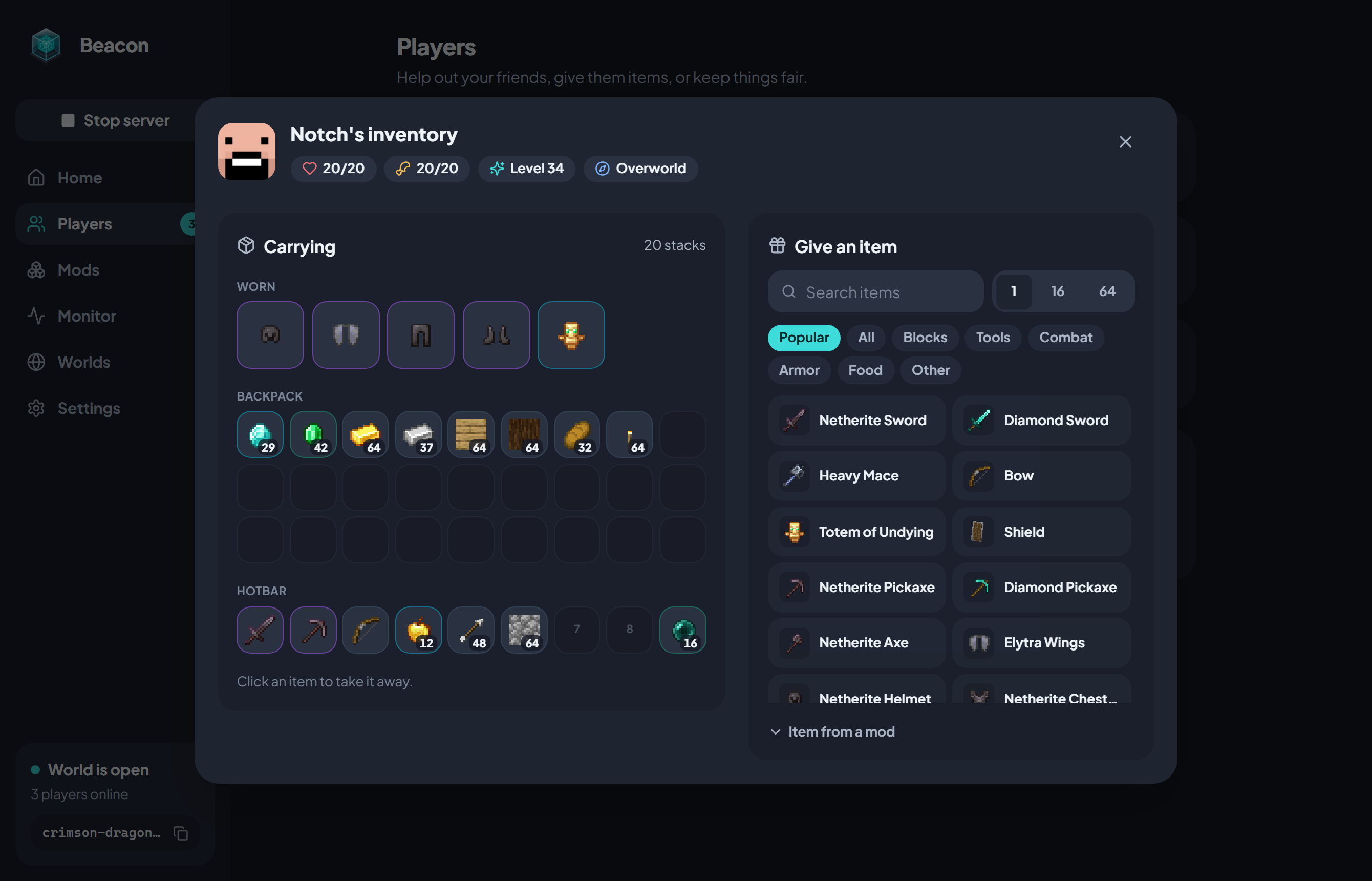
Heal someone, switch game modes, or peek into a player's inventory and hand them an item. No commands to memorize.
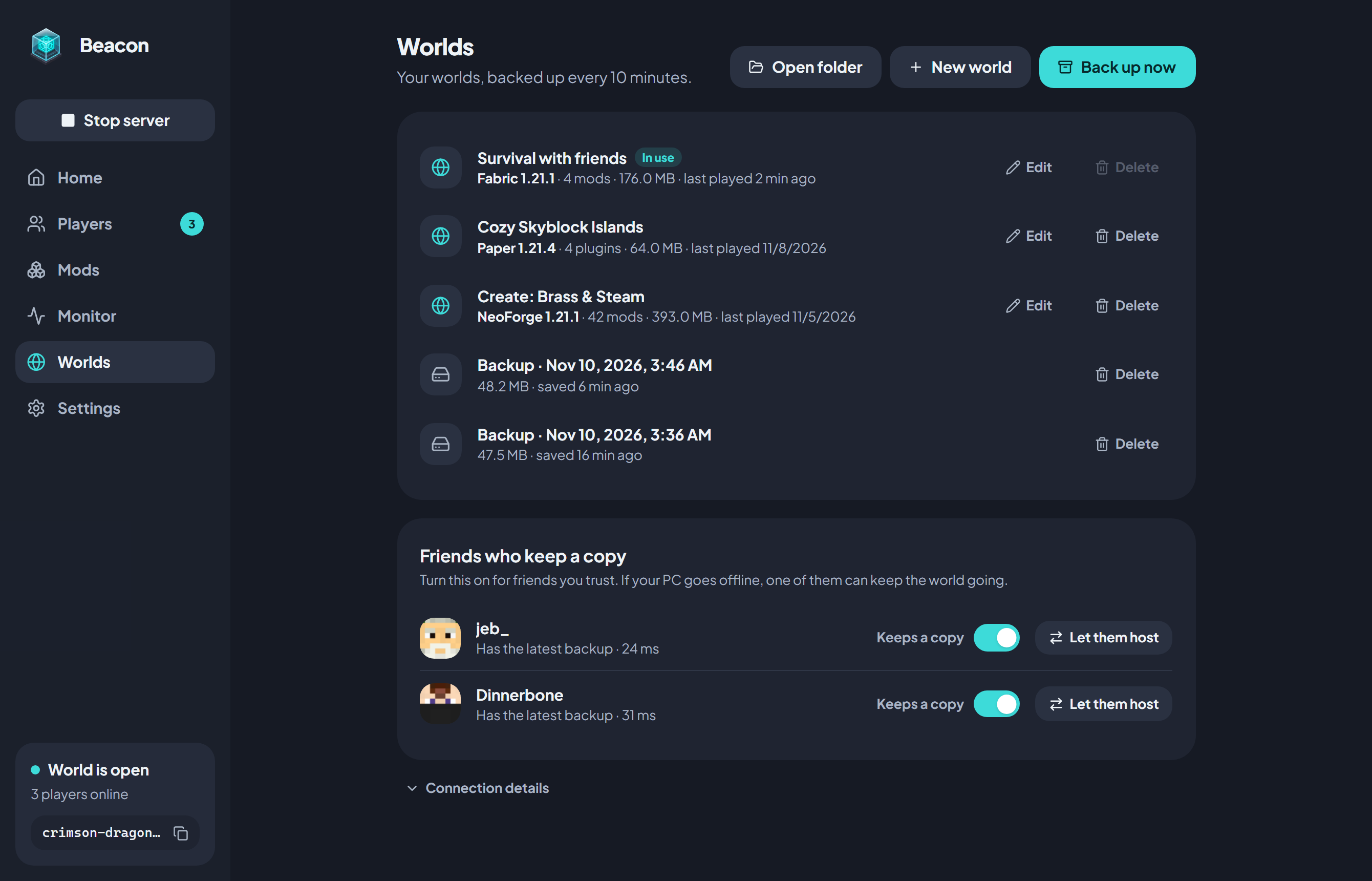
Backups happen every 10 minutes. Friends you trust can keep a copy, so the world keeps going even when your PC is off.
Yes. The server runs on your own PC and friends connect to you directly, so there is nothing to rent and no subscription.
Yes, it's the same small app. They type in your code, Beacon connects them and syncs any mods, then they just open Minecraft.
Minecraft: Java Edition. You can host plain, plugin (Paper), Fabric or NeoForge worlds.
Beacon isn't code-signed yet, so SmartScreen may ask on first launch. Click More info → Run anyway.